




















The OFM app: your football manager game on your phone
OnlineFootballManager (OFM) is available as a free app for iPhone, iPad and Android. You run the same club as in your browser, with the same login details, and your phone tells you the moment someone outbids you on the transfer market.


- 2003 Online since 10 March 2003
- > 3.3 million registered managers
- Browser + App Browser, Android, Apple
- Free No ‘pay-to-win’
What the app can do
In the app you play exactly the same game as in the browser: the same squad, the same league, the same competitions. On top of that there are a few things only your phone can do:
- Push notifications You find out straight away when someone outbids you, a message arrives or an event starts. You choose what you want to receive in your profile.
- Stay signed in No need to sign in every time you open the app. Tap a notification and you land on the right page.
- Take your club along with a QR code Move your club to another device by scanning a QR code, without typing a password.
- Made for your thumb The menu sits at the bottom of the screen, and a red number shows what is waiting for you.
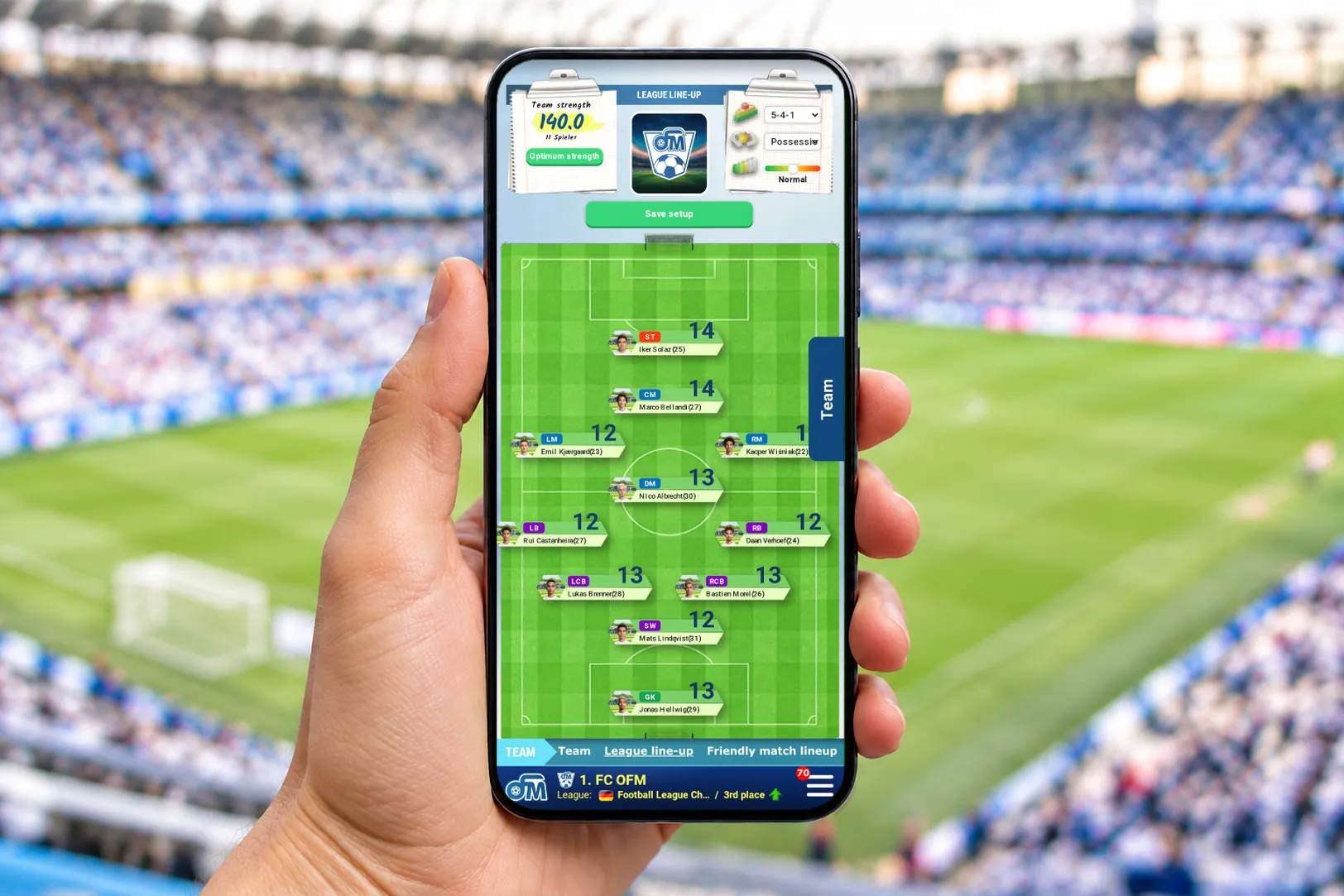
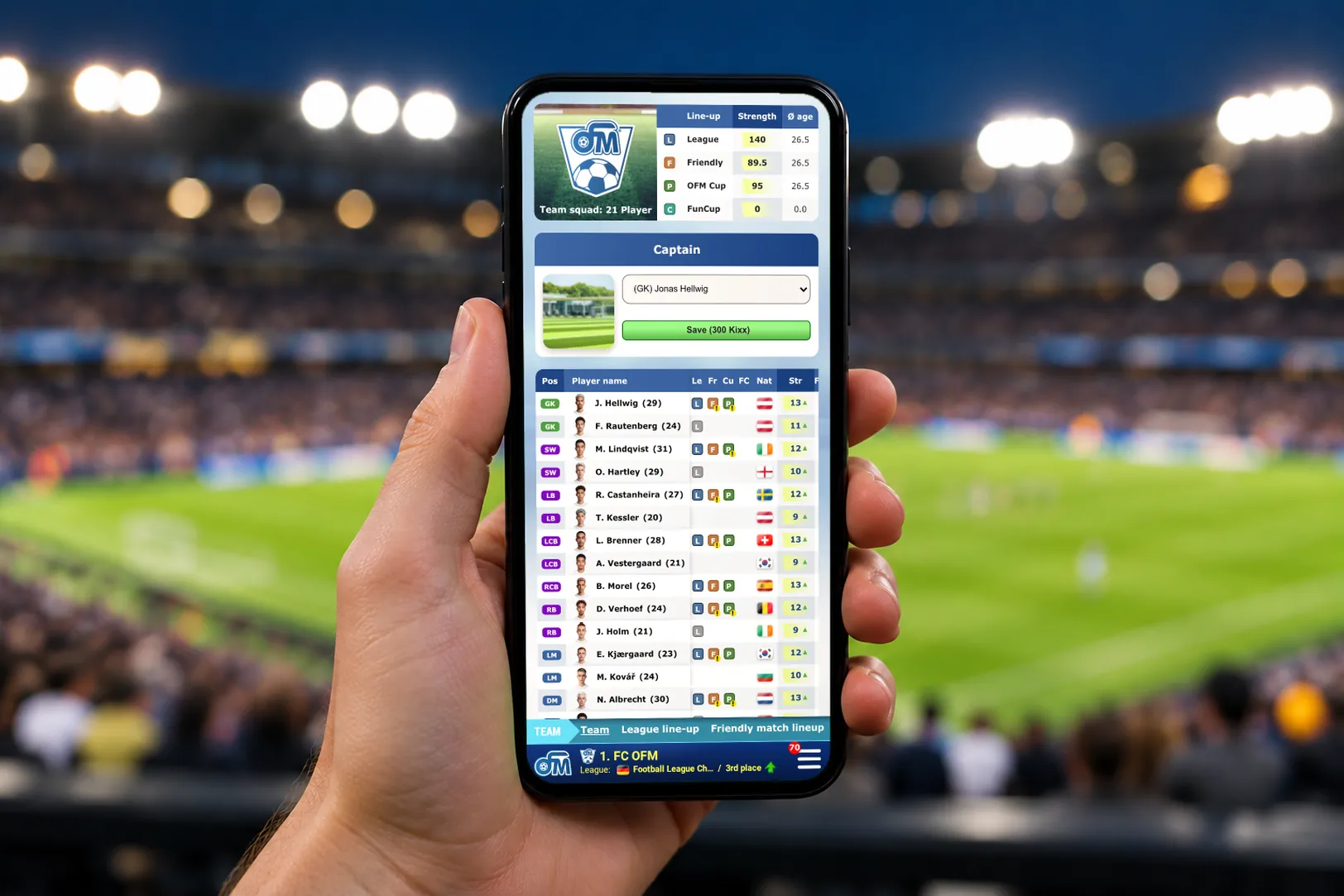
One club for browser and app
The app doesn’t replace the browser, it complements it. Both use the same game data, so you can switch at any time and even play in parallel. Plenty of managers set their line-up in the app on the way to work and bid on the transfer market on a big screen in the evening. If you already play in the browser there is nothing to transfer: your club belongs to your account, not to your device. How OFM works in the browser is explained in our guide to the football manager browser game.
How to get the app
- Open the App Store or Google Play with the buttons on this page, or search there for ‘OFM’.
- Install the app. It is free.
- Sign in with your usual details, or set up a new club right in the app, also with your Google or Apple account.
- Allow notifications so you never miss a bid or an event start. You can change this at any time in your profile.
Frequently asked questions about the app
Is the app free?

Yes. Downloading and playing cost nothing. You can buy Kixx and packs if you want to, in the app through the App Store or Google Play. What is free and what Kixx are for is explained in our guide to the free football manager game.
Do I need a new account?
No. Sign in with your usual details and carry on with the same club.
Which devices is the app available for?
For iPhone and iPad in the App Store and for Android phones and tablets on Google Play.
Can I keep playing in the browser?
Yes, at any time and even in parallel. Browser and app show the same club.
What if the app asks me to update?
Usually that is just a recommendation you can deal with later. Only very old versions have to be updated before you can continue.
How a season works and who you play against is explained in our guide to the football manager game online. The rules in detail are in the rules.

Your start
Get your first season off to a flying start
Sign up for free now. Your club will receive the welcome pack as a bonus, and your first match day is tonight.
- +200,000 £Starting capital
- +200Stadium seats